



Bring your stories
to life on screen.
From idea to final frame — animation, film, ads & trailers. Write it, cast it, board it, animate it. You're the showrunner.

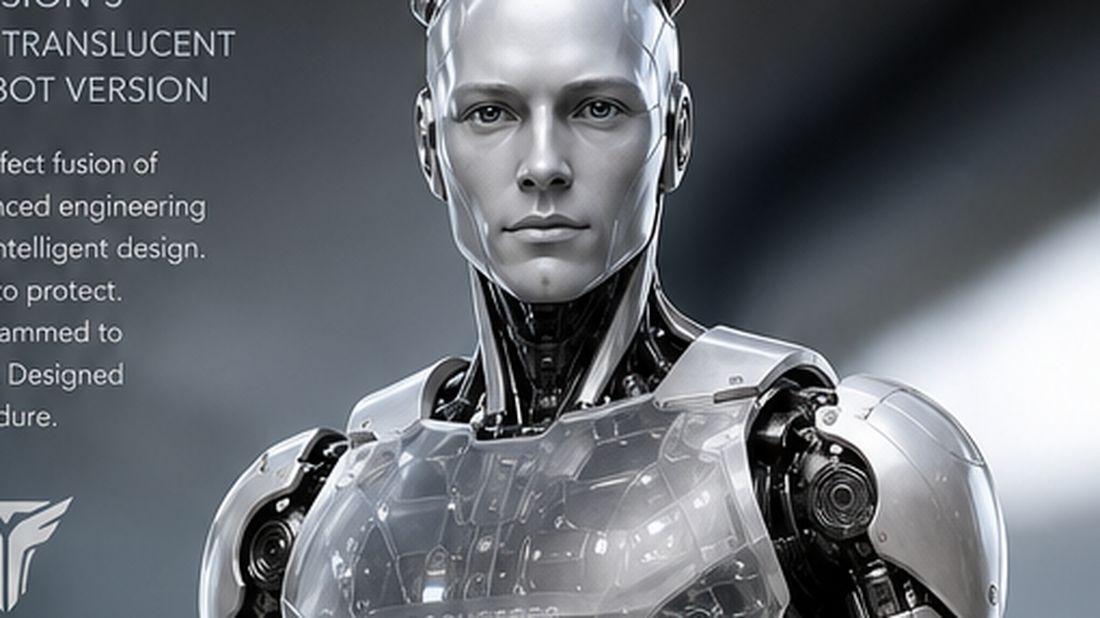

Four moves. Zero drift.
Drafts, previews, and assets carry forward. No import-export between tools, no version drift.
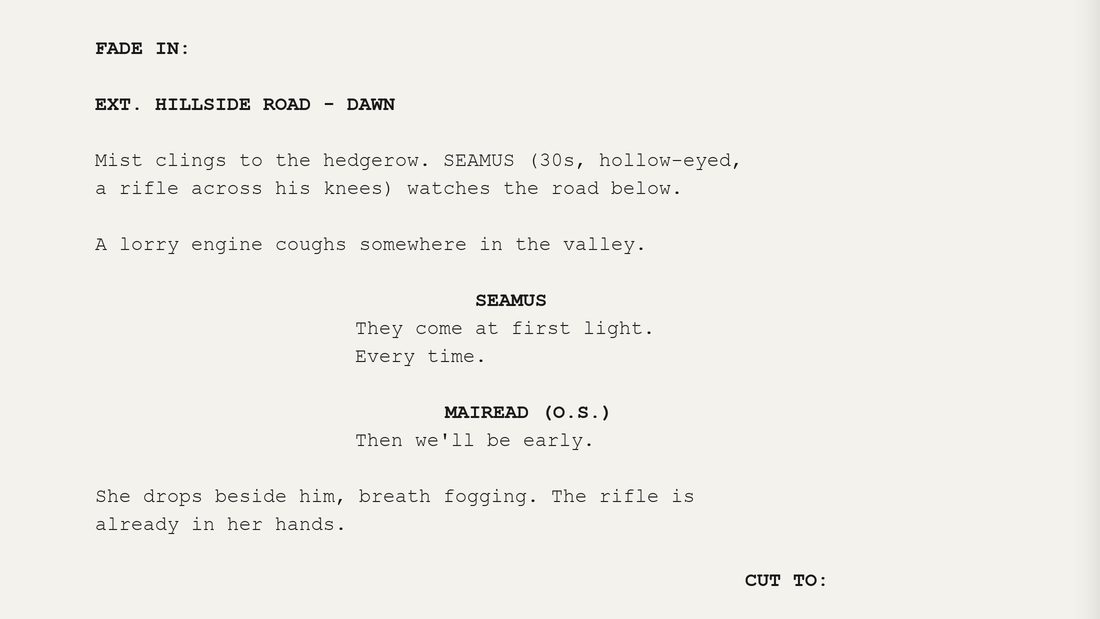
Script
Write or paste a screenplay per episode. Sweatbox parses scene headings, dialogue, and cast into structured beats.
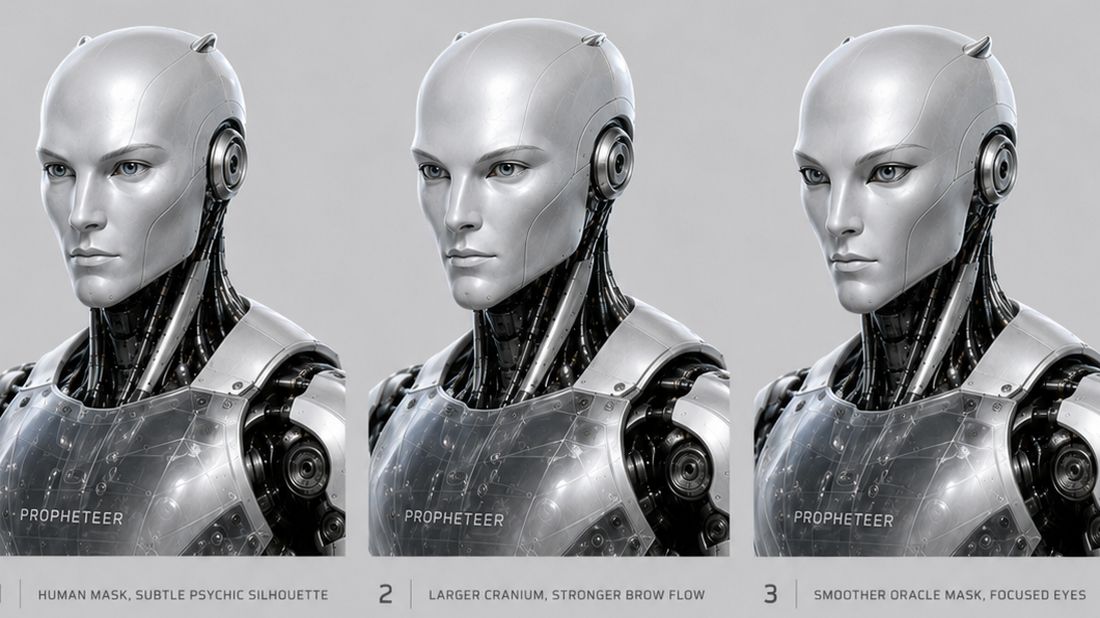
Character + World Bible
Living profiles for every character and location — voice, look, canon — shared across every production in the universe.
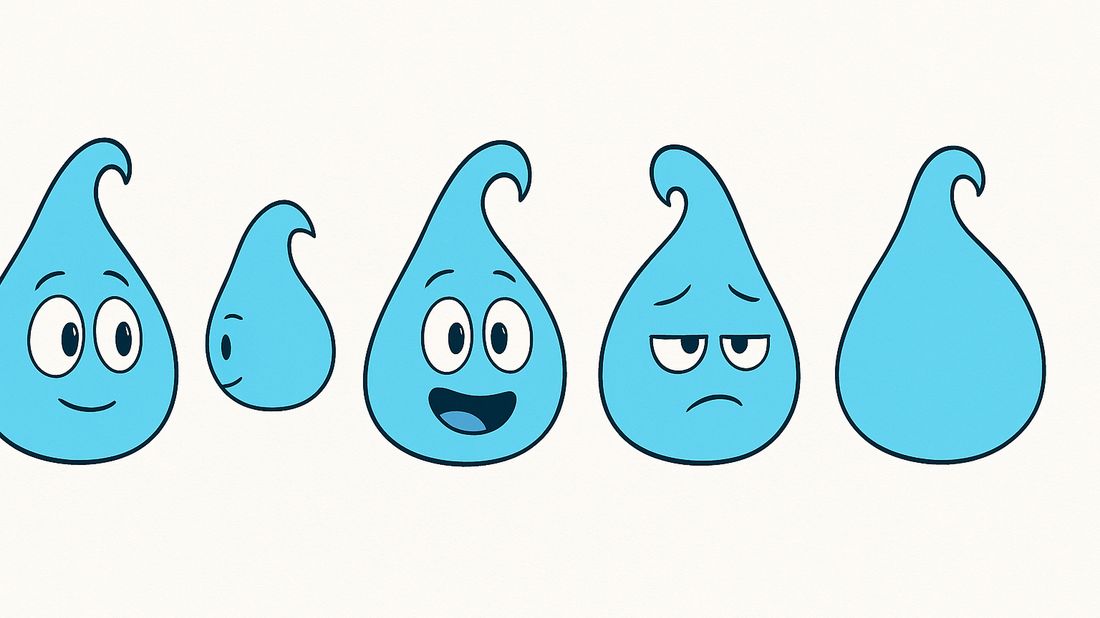
Storyboard
Break scenes into shots, scope by episode, and pull the right cast and locations into every frame.

Showrunner + Export
Approve, revise, reject, or lock every decision. Track readiness, then push finished frames to the Asset Library.
One universe. Unlimited productions.
Start a universe, then build films, trailers, series, presenters, and comics inside it — every production drawing on one shared cast, world, and canon. Change a character once; it's consistent everywhere.
- Shared characters, worlds, and assets across every production
- Series with real episodes — scripts, scenes, and storyboards per episode
- Change canon once and it stays consistent across the whole universe




Living production bibles.
Every character and location gets a real profile — voice, look, canon, relationships, and appearances — that the whole universe reads from. Not a doc you forget; a source of truth the pipeline uses.
Every reference, in one place.
Drag in reference images, upload outfits and concept art, collect moodboards, and save generated storyboard frames. Everything is filterable and linkable to the exact character, world, production, or episode it belongs to.
- Real image uploads — drag a batch straight onto the grid
- Link one asset to multiple characters, worlds, and episodes
- Save storyboard frames back to the library as you approve them
Rough sketch. Finished frame.
Start rough and carry it all the way to a finished, on-model frame — same characters, same world, refined in place instead of re-rolled from scratch.
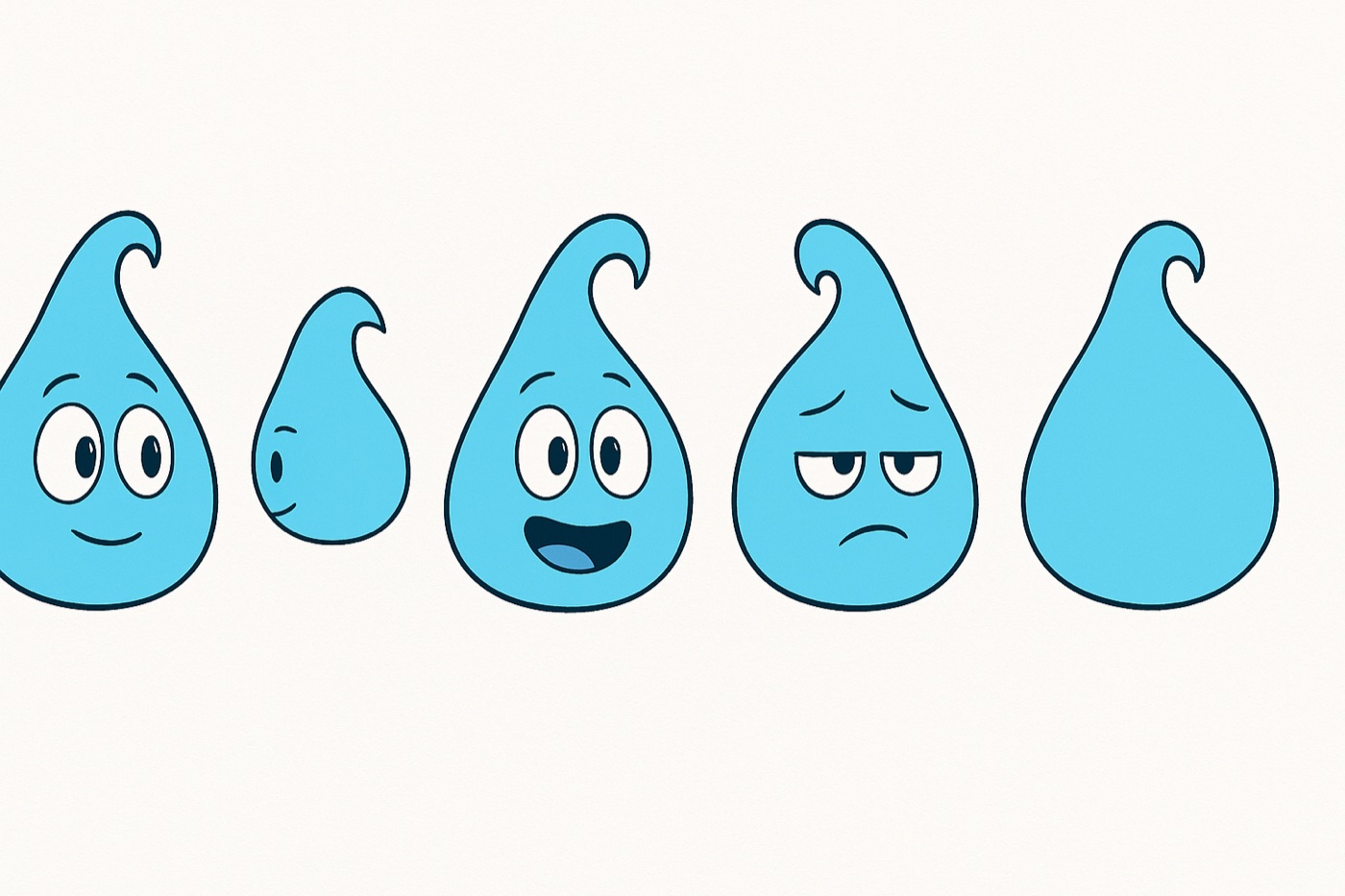
From the Raindrop production.
Script to speech bubbles.
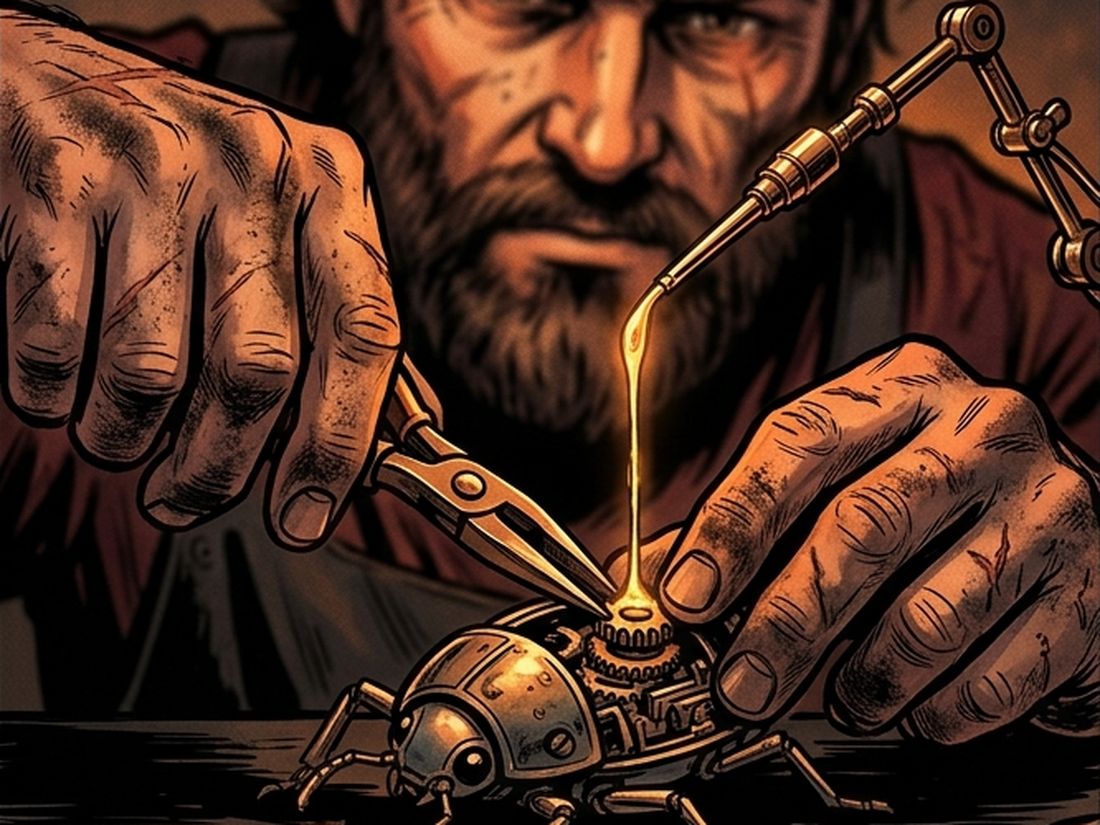
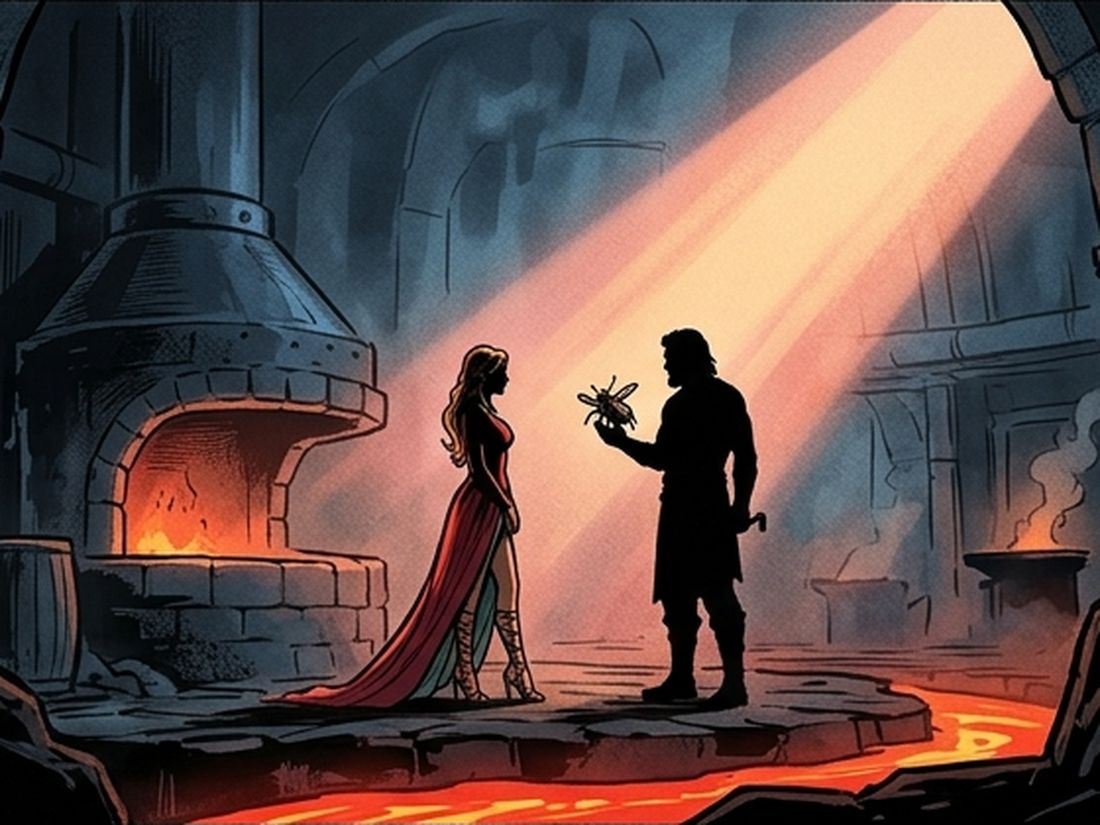
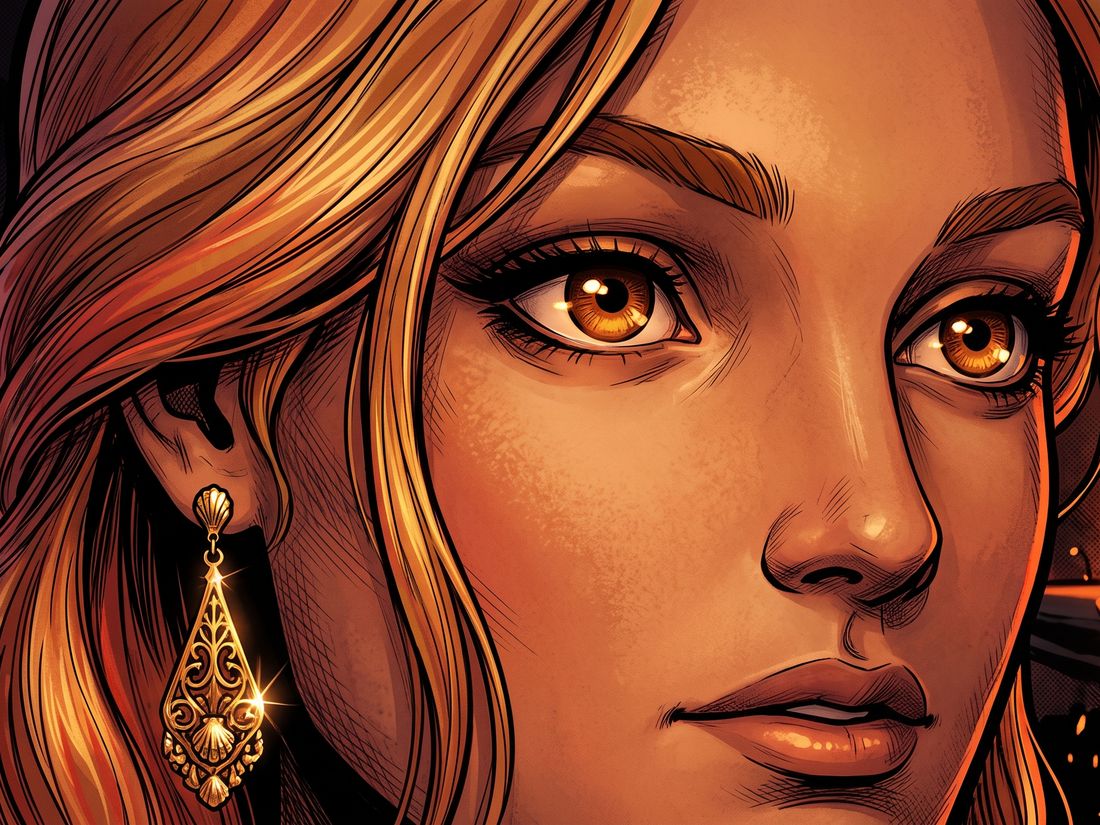
Lay a scene out as panels, drop in on-model frames, and add dialogue balloons — turn a beat into a comic page or a whole graphic novel, in your production's art style.
- Panel layouts — pull the right shot into each frame
- Speech bubbles & captions on top of the art
- The same cast, panel to panel — no drift
- Your art style per project — ink, flat 2D, painted
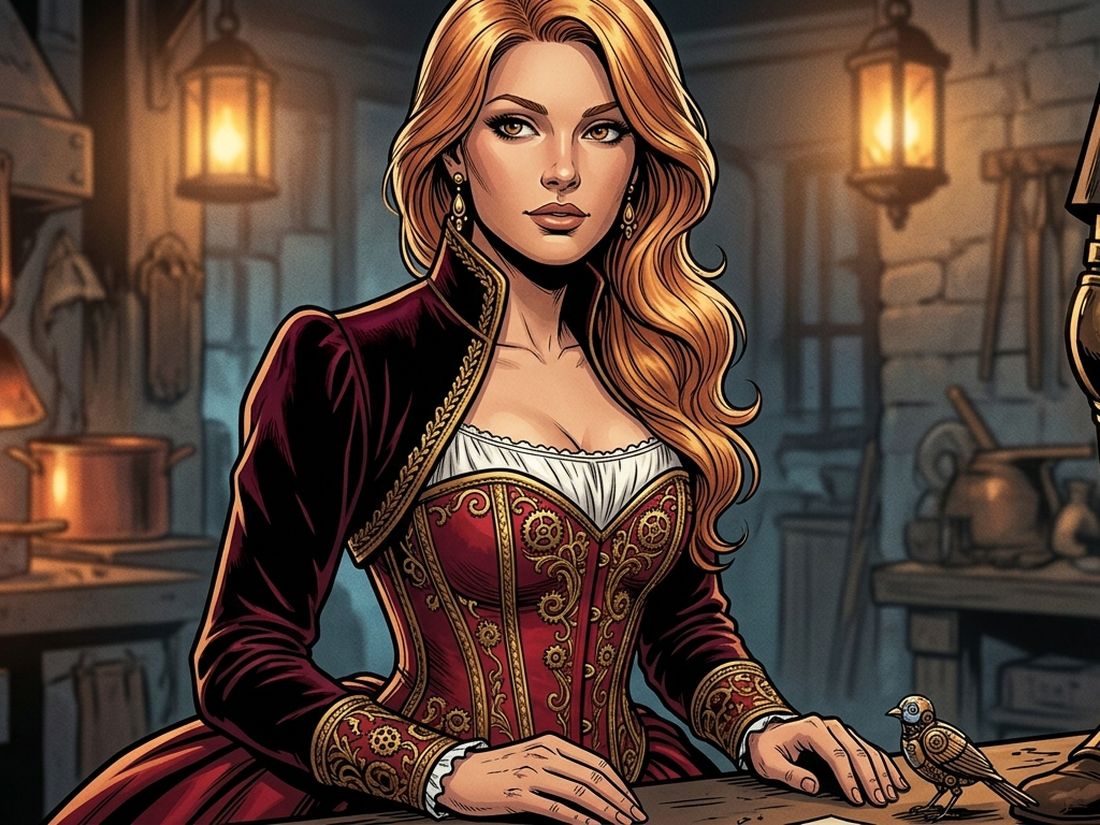
You direct the production. AI does the grind.
Sweatbox drafts the work — you decide. And the more you work together, the better it fits how you work: it picks up your cast, your canon, and the calls you tend to make, so over time it can quietly handle a little more of the routine and leave the creative decisions to you. You approve, revise, reject, or lock each one — always at your pace.
- AI drafts characters, worlds, voices, and shots for review
- You approve every decision before it locks into the project
- Learns your canon and your calls as you go — so it fits you better over time
- Lock key elements so downstream changes can't break them
Drafted three character options for the protagonist. Suggesting Kira — methodical, internally conflicted.
Use Kira. Lock the visual style. Try a colder voice.
Locked. Regenerating voice with a flatter, lower register.
Lock it in. AI moves to the next decision.
Send it back with notes. AI regenerates with your direction.
Discard. AI proposes something different.
Freeze the decision. Downstream edits can't break it.
Built for anything worth watching.
Film, anime, video — pick a template and the pipeline adapts. Same workflow, different deliverable.
Films
Story-driven shorts and features with character arcs, locked scene order, and final-cut export.
Animated shorts
End-to-end pipeline for narrative shorts — script to render in a single project.
Series pilots
Recurring characters, persistent worlds, and episode-based scene structure.
Game trailers
Pre-rendered cinematics with precise timing, atmosphere, and soundtrack sync.
Ads & product videos
Short-form with brand guidelines locked in from the start. Fast turnaround.
Music videos
Beat-synced shot sequencing, mood-driven color, and rhythm-aware cut points.
AI presenters
Talking-head clips with cast voices, lip-sync, and templated lower thirds.
Comics & graphic novels
Panel-grid output of frames with dialogue balloons — export to print or digital.
Live in your browser. Native apps coming.
Use the full studio today at your desk — no install. Desktop and mobile apps are on the way, Mac first, then Windows, iPhone, iPad and Android. One account, the same projects on every screen.


Pay for the studio.
Not surprise AI bills.
Your subscription runs the studio. Generation runs on included credits — or plug in your own OpenAI, Anthropic, Grok, Venice, or ElevenLabs keys and generate at cost. Start free, no card.
Free
Explore the whole studio and build your first universe.
- 1 franchise · unlimited productions
- Every studio: bibles, story, storyboard, showrunner
- Connect your own AI keys
- 100 starter credits to explore
Creator
PopularFor solo creators shipping regularly.
- Unlimited franchises & productions
- 2,500 credits / month included
- Bring your own keys to generate at cost
- HD exports
Studio
For teams producing across a slate.
- Everything in Creator
- 10,000 credits / month · 5 seats
- Team review, roles & approval history
- Priority generation queue
Agency
White-glove for studios and agencies.
- Volume credits & unlimited seats
- Dedicated support & onboarding
- Custom providers & integrations
- SLA & security review
One credit ≈ a text generation. Images, voice, and video cost more. Included monthly; top up anytime.
Connect your own provider keys and generate at cost — no credits used, no markup.
Pick the writer per production — Claude, GPT, Grok, or Venice — to fit the subject.
Beta pricing — numbers may change before billing is enabled. No card required to start.
Straight answers.
Does Sweatbox make finished films with one click?
No — and we won't pretend it does. Sweatbox is a studio workflow: it drafts scripts, breaks them into scenes and shots, organizes your cast and worlds, and prepares assets. You direct, approve, and revise at every step. The output is a real production you shaped, not a mystery render.
What can I actually make with it?
Films, trailers, series with episodes, ads and spots, music videos, presenter shows, and comics or graphic novels. It's built for film, anime, and video — not just cartoons. Each production type comes with a template that sets up the right cast, structure, and deliverables.
What's a franchise versus a production?
A franchise is a universe — the shared cast, worlds, canon, and asset library. A production is one thing you make inside it: a film, trailer, series, presenter show, or comic. Everything in a production reads from the franchise, so your characters and locations stay consistent across all of them.
How do series and episodes work?
Series productions get real episodes, each with its own script, scenes, and storyboard scope. Character and world appearances are tracked per episode, so a bible always shows exactly which episodes an entity shows up in.
Can I upload my own reference images?
Yes. The Asset Library supports image uploads — drag a batch straight onto the grid — plus link-only references. Every asset can be tagged and attached to specific characters, worlds, factions, productions, or episodes, then browsed by any tag.
What is the Showrunner OS?
It's your director's desk. AI proposes characters, scenes, and dialogue; you approve, revise, reject, or lock each decision. It keeps a full history — including revised and rejected ideas — and tracks production readiness with live checklists.
Is the AI generation live yet?
The workflow, structure, and review are fully built. Real voice and video providers plug into this foundation — where they're not yet configured, you'll see clearly labeled drafts and setup states rather than fake output.
Build your universe. Ship the first scene.
No installs, no card. Start a franchise, pick a template, and your whole pipeline — script, bibles, storyboard, and Showrunner — is ready in seconds.